
ArcGIS Indoors
Indoor GIS for smarter building management
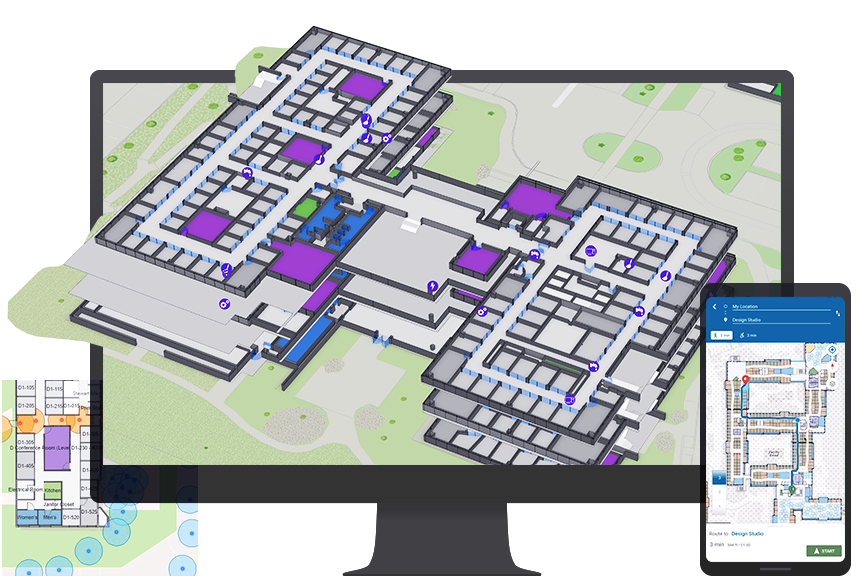
Explore indoor GIS
Unlock the full power of GIS inside your facilities to transform your facilities management, building interaction, and space use.

Benefits of ArcGIS Indoors
- Your indoor data in one place
- Faster service delivery
- Build a safer workplace
- Plan and manage your space
- Enable a hybrid workplace
Your indoor data in one place
Combine your source CAD and BIM data into a single geospatial system of record using ArcGIS Indoors. Visualize all your indoor data within a digital indoor map. See points of interest, meeting rooms, assets and equipment, and space usage.

Faster service delivery
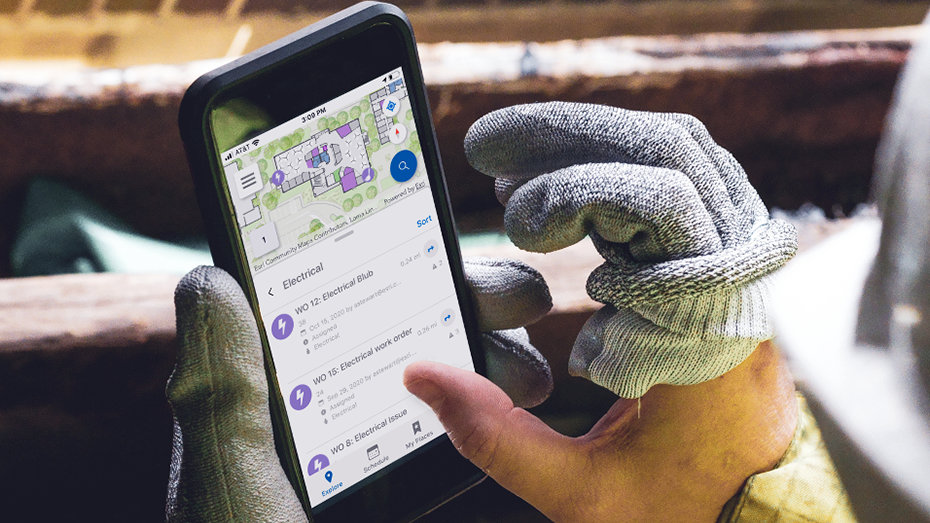
Assets and equipment need regular maintenance, and indoor mapping and wayfinding software in the hands of IT, facilities, and security personnel helps them save precious minutes in responding to work orders, knowing exactly where and how to get to their work. Those minutes add up to countless hours and cost savings.

Build a safer workplace
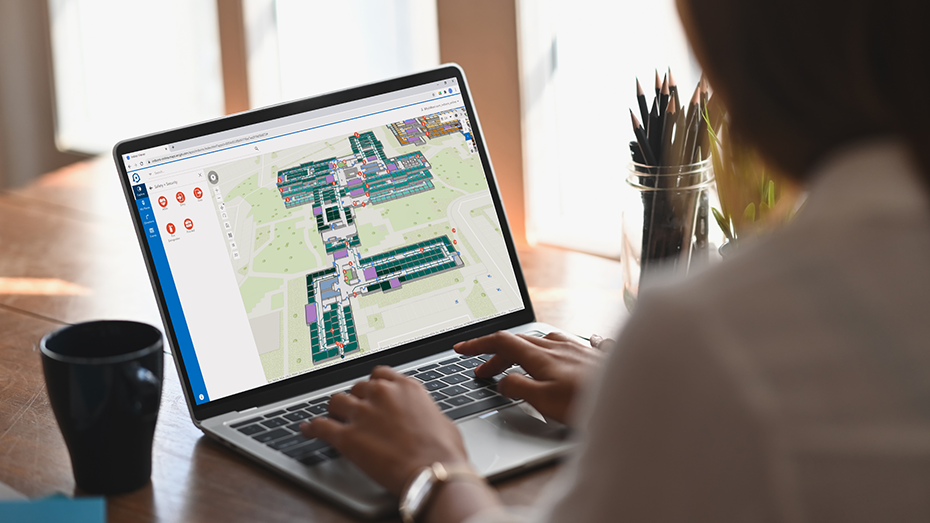
With a shared map, leaders can have the same knowledge that their teams have, at any time. If there's a maintenance or security issue, they'll know right away. They don't need to wait for staff to find paper blueprints or convey status information. In turn, they can make fast decisions to avoid work disruptions and keep employees and visitors safe.
Plan and manage your space
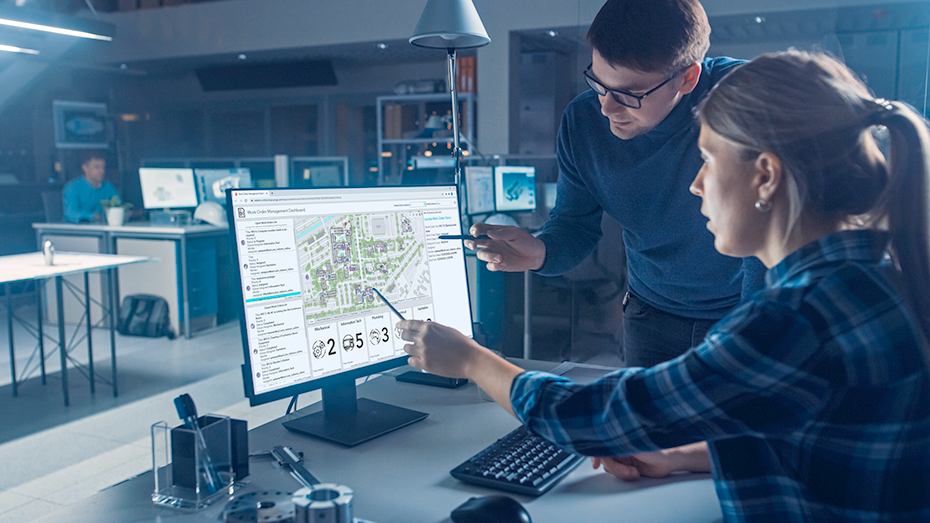
ArcGIS Indoors space planning software allows leaders to plan and manage space more efficiently. With visual mapping tools, organizations can consolidate unused space to reduced leased square footage or reallocate it to business units that can maximize the space asset to better serve their mission. Organizations can also plan the use of new space needed for growth and expansion.
Enable a hybrid workplace
The hybrid workplace has rapidly become the new norm, and employees and visitors need to know they have the space, equipment, and amenities they need; where to find them; and how to get them on days they are at work. With ArcGIS Indoors, occupants can reserve meeting rooms or be assigned a workspace, which allows for high levels of productivity and collaboration when in the office.
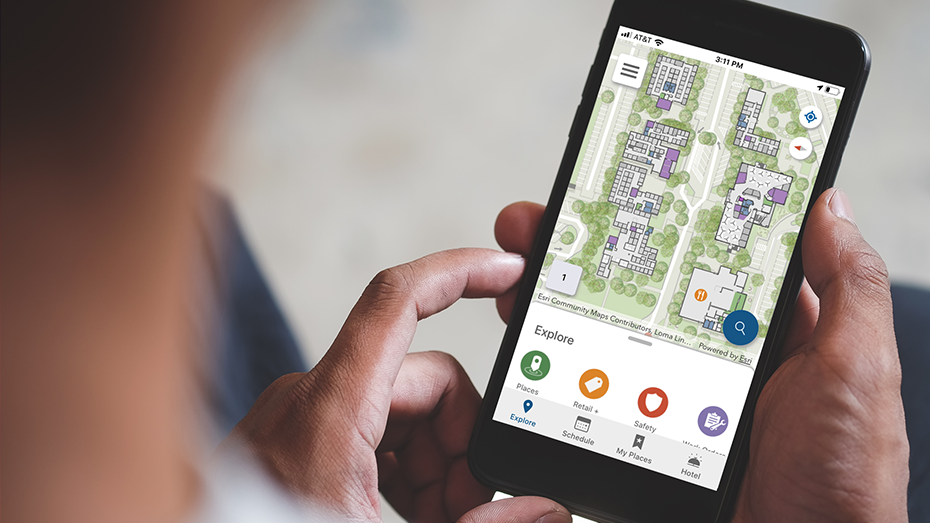
See all your project activity on one map
How ArcGIS Indoors works

ArcGIS Indoors Pro
ArcGIS Indoors Pro is an extension for ArcGIS Pro that provides tools for combining various indoor datasets and creating and sharing floor-aware, indoor maps.

ArcGIS Indoors Maps
ArcGIS Indoors Maps allows you to put your indoor maps into everyone’s hands in your organization. The Indoors Viewer and Kiosk web apps, along with Indoors Mobile, enable location discovery and wayfinding, with real-time navigation possible with the addition of ArcGIS IPS.

ArcGIS Indoors Spaces
ArcGIS Indoors Spaces extends the capabilities of ArcGIS Indoors Maps with space management software. With the Indoors Space Planner web app, understand how space is used, assign or reassign space, and enable space reservations and office hoteling.


Enhance your existing GIS
ArcGIS Indoors is delivered on-premises through ArcGIS Enterprise or on the web via ArcGIS Online. It is easier than ever to extend your existing GIS to be Indoors enabled.
ArcGIS Survey123
Service requests can be submitted through ArcGIS Survey123 to let facilities or IT know exactly where work is needed.
Learn more about Survey123ArcGIS IPS
ArcGIS IPS is Esri's own indoor positioning system. It enables real-time navigation and location sharing represented by the blue dot on an indoor map.
Learn more about ArcGIS IPSArcGIS Field Maps
ArcGIS Field Maps can use indoor maps to help field workers perform data collection and inspections, update asset status, and edit geographic data, all on a mobile device.
Learn more about ArcGIS Field MapsJoin the ArcGIS Indoors community
Need more information?
Email us
Questions about buying ArcGIS, pricing or need support? Email us at solutions@esribelux.com
Contact customer support
Visit our support page
Call us
Speak with a representative