

ArcGIS Field Maps
The all-in-one app for mobile work
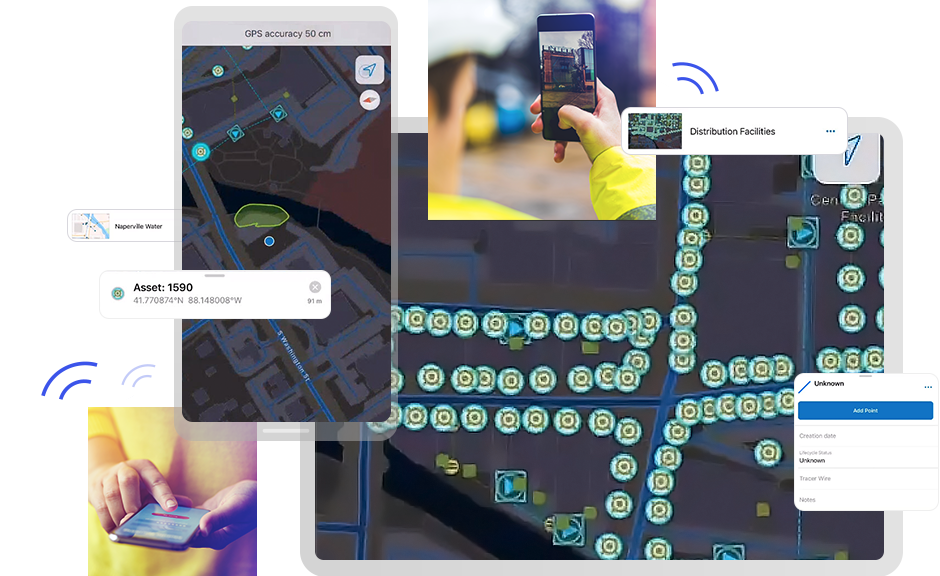
You can do more with ArcGIS Field Maps
- Streamline field workflows
- Empower your mobile workforce
- Access current data 24/7
- Transparency in field activities
- Deploy quickly and easily
Streamline field workflows
Replace paper processes and disparate tools to bring efficiency to mobile work with a single app that can be configured for the specific workflows of your mobile workforce. Mobile workers have the preconfigured field maps and forms they need on their mobile devices to efficiently and accurately complete their work.
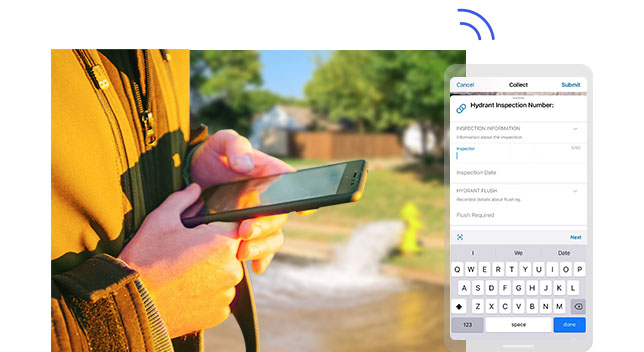
Empower your mobile workforce
ArcGIS Field Maps provides mobile workers with secure, 24/7 access to your organization's ArcGIS maps on their mobile devices, ensuring they have the most current information. Workers can easily locate assets and data and even add markups and notes to document and share findings with others. Maps are dynamic even in disconnected environments.

Access current data 24/7
Get greater accuracy when reporting data from the field by using a mobile data collection and editing app that avoids errors introduced from transcription, transfer, and other manual and paper-based processes. New or edited data is automatically fed into the ArcGIS system and accessible across the organization.


Transparency in field activities
Achieve real-time location awareness of mobile personnel so you know where everyone is and can quickly adapt to changing circumstances. Location sharing analysis can be used to verify when, where, and by whom work was done. Identify patterns of workforce movement that reveal where efficiency is being gained or lost.
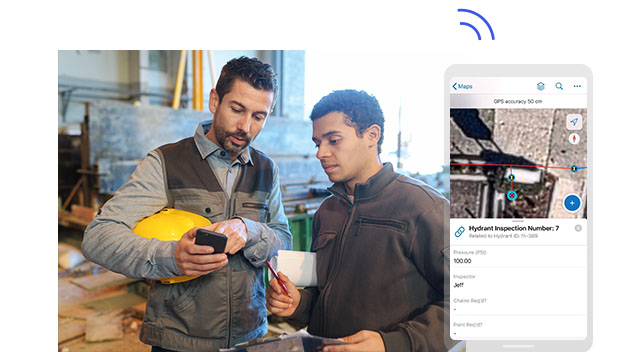
Deploy quickly and easily
ArcGIS Field Maps can be quickly deployed to any mobile workforce and is available for download from most app stores. As an all-in-one field app, one download supports many capabilities and means greater efficiency for your mobile workers and IT associates. Workers can get familiar with it quickly and with minimal training to be productive right away.
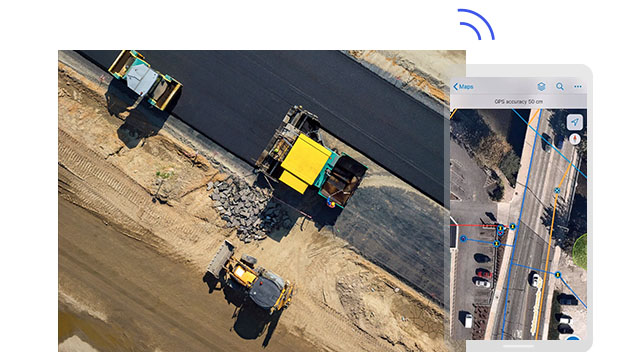
How ArcGIS Field Maps works

Create
Configure maps to support your specific field workflows wherever work is done, including offline or indoors.
Explore how to create maps
Collect
Map-driven mobile forms fuel the ArcGIS Field Maps app for data capture and editing, recording and reporting notes, and completing field workflows.
Explore how to collect data
Locate
Carry maps anywhere and use the in-map search to find what you need. Use markup tools to make notes and document your findings to share with others.
Explore steps for offline use
Share location
Location sharing supports greater situational awareness for field supervisors and improves transparency between the office and the field.
Explore location sharing steps
Better together
ArcGIS Field Maps can be combined with other focused ArcGIS apps to meet your specific workflow needs and streamline your field operations.
Explore field mobility solutionsArcGIS Navigator
From any point on the map, a simple click opens ArcGIS Navigator and routes you to your selected destination. It then returns you to ArcGIS Field Maps so you can capture data.
Explore ArcGIS NavigatorArcGIS Workforce
Coordinate field activities. Select a task from your Workforce task list. Use ArcGIS Field Maps to complete the required work. Then, easily return to ArcGIS Workforce when you are done.
Explore ArcGIS WorkforceArcGIS Dashboards
Visualize the data captured with ArcGIS Field Maps in real-time dashboards to support more informed decision-making.
Explore ArcGIS DashboardsArcGIS Survey123
Pair ArcGIS Field Maps with this robust formcentric app to complete more complex field data collection workflows.
Explore ArcGIS Survey123
Need more information?
Email us
Questions about buying ArcGIS, pricing or need support? Email us at solutions@esribelux.com
Contact customer support
Visit our support page
Call us
Speak with a representative